- Modes
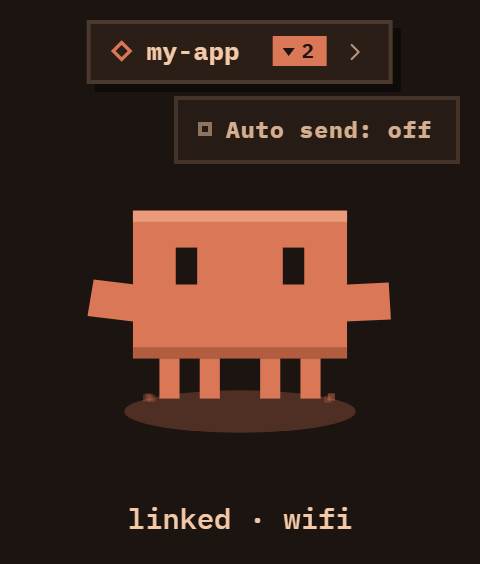
- Turn the wheel to step through Whisper, Whisper auto and Agent. The pet shows which one you are in: a paper plane for Whisper, a pilot's cap for Whisper auto, its agent outfit for Agent.
- Talk
- Hold the side button, speak, let go. Speech is turned into text on your Mac and typed where your cursor is, in any app.
- Return or Undo
- In Whisper, a sheet on the r1 offers Return (press Enter for that text) and Undo (take it back).
- Whisper auto
- Return is pressed for you the moment the words land, with no sheet.
- Agent
- Talk to Claude from the r1. Agent mode keeps one ongoing conversation, the Pet thread, running on your Mac, so it remembers earlier requests. Start fresh in the Mac app's Settings begins a new one. Agent requests go to Anthropic.
- Answer cards
- Each tool the Pet thread wants to use, like running a command or editing a file, shows as a card on the r1 tagged "Pet thread". Tap Allow or Deny; nothing runs until you do. While a card is open, the side button does not record.